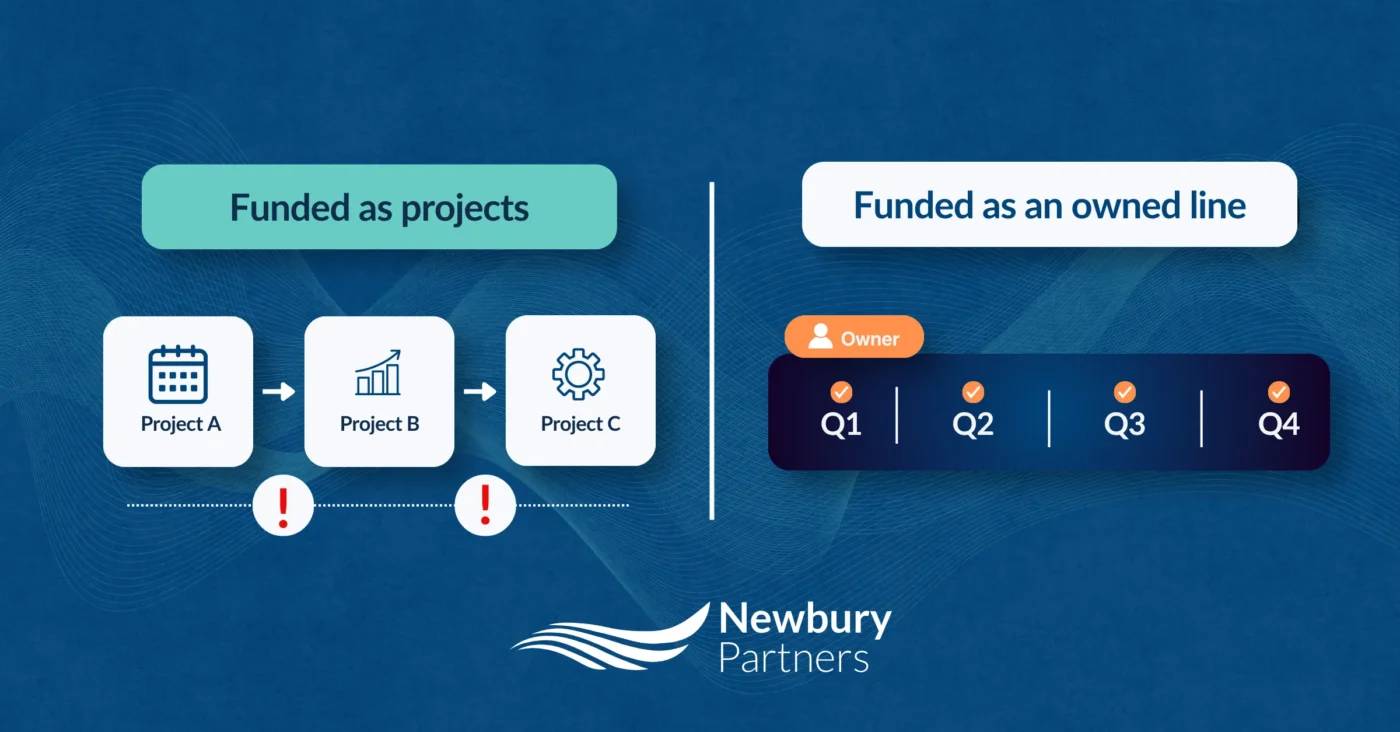
The short answer: A managed services team can maintain your Bullhorn configuration’s compliance rules, but the legal duty stays with your firm. Federal guidance holds employers liable for Form I-9 violations by people they designate, with paperwork penalties of $288 to $2,861 per form. The same principle applies to your configuration: the work can move, the duty cannot. Know which rules it enforces.
Written for staffing executives who run Bullhorn with a managed services team. This covers what your own people must know and keep doing about compliance. It does not cover contract terms, and it is not legal advice.
Paperwork violations on Form I-9 carry federal penalties of $288 to $2,861 per form, under 8 CFR 274a.10. When a person the employer designates completes the form on its behalf, the USCIS Handbook for Employers still says, “You are liable for any violations in connection with the form or the verification process.” Staffing companies hired 12.7 million temporary and contract employees in 2023, per the American Staffing Association, and every hire carried that duty. The work can be delegated, but the duty cannot.
Here is the math, using a common illustration rather than client data. An inspection that finds paperwork errors on 200 Forms I-9 carries penalties of $57,600 at the bottom of the range (200 × $288) and $572,200 at the top (200 × $2,861). For a staffing firm, 200 forms is a few weeks of hiring.
Staffing firms that bring in a managed services team for Bullhorn hand over a lot of work: workflow changes, onboarding steps, required fields, data cleanup. Much of it touches compliance, from the reverification reminder to the setting that decides how long an application is kept. Newbury Partners’ 2026 compliance checklist already warns that handing work to an outside provider does not remove liability. That is no reason to keep configuration internal; it is a reason to keep the knowledge internal. Try this: ask who at your firm approved the last compliance change in your configuration. The pause before the answer is what this guide is about.
This guide covers why the duty stays put and which compliance rules live in a configuration. It then sets out the explain test, the three moments internal knowledge thins out, and three signals your firm still owns its compliance. It draws on federal, California and New York City rules and on American Staffing Association data. The test and the signals are this guide’s own construction.
Why Does Compliance Responsibility Not Move With the Configuration Work?
Responsibility stays because the rules attach to the employer. USCIS holds employers liable for violations by the people they designate to complete Form I-9. Configuration work follows the same logic: a provider can build the rule, but your firm answers for what it does.
The volume is what makes this a staffing problem. Nearly 2.2 million temporary and contract employees worked for US staffing companies in an average 2024 week, per the ASA. Every one of those workers passed through onboarding steps, verification checks and record rules that live in a firm’s configuration. Most of those rules were set once, and the person who set one may no longer be there.
Other rules follow the same pattern. The EEOC’s 29 CFR 1602.14 requires employment records, including applications, to be kept for one year. California’s Civil Rights Council regulations, effective October 1, 2025, require employment records, including data from automated decision systems, to be kept for at least four years. They also add a definition of “agent.” These duties sit with the employer; whether a provider shares any is a question for counsel.
The platform is not the gap: Bullhorn’s 2026.3 Onboarding 365 release updated Form I-9 and related forms “to reflect the latest USCIS version.” No platform can know how your firm reads a rule, which workers it covers or what your counsel advised. Those decisions sit in the configuration as choices, and choices need an owner.
Which Compliance Rules Does Your Bullhorn Configuration Enforce Today?
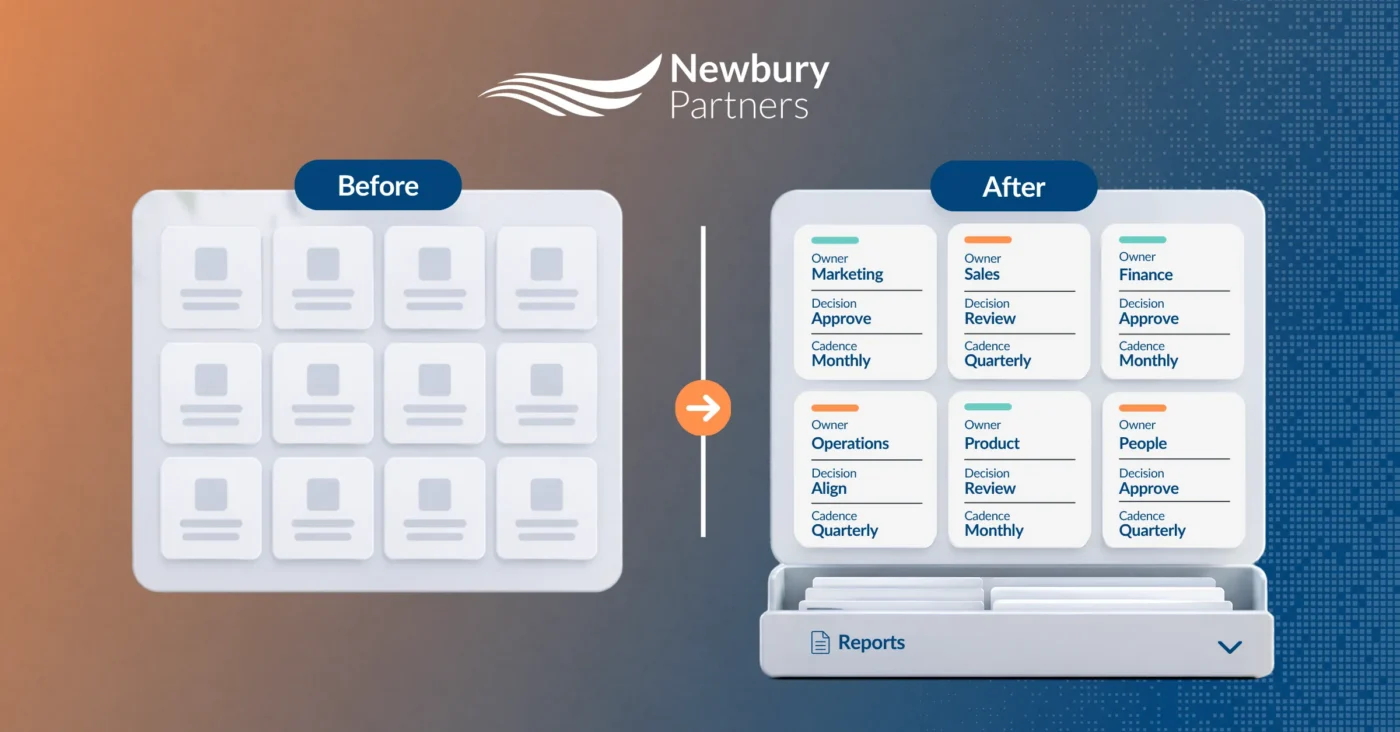
Most configurations carry three kinds of compliance rule: verification steps, retention clocks and access records. Each was set as a choice, and each has a federal reference point. A Form I-9, for example, is kept three years after hire or one year after employment ends, whichever is later. Map all three first.
1. Verification and reverification steps
The counterintuitive detail is that a reverification reminder runs on data someone entered, not on a rule the system invented. The USCIS handbook says, “You must reverify an employee’s employment authorization no later than the date employment authorization expires.” The reminder fires from a document type, an expiration date and a lead time somebody chose. Bullhorn’s Onboarding 365 carries built in I-9 and E-Verify functions. Which documents trigger them is your call.
2. Retention and purge settings
Retention is the rule most likely to outlive the people who set it. The federal floors differ by record: three years after hire or one year after separation for Form I-9, per the USCIS retention guidance, and one year for applications under the EEOC rule. California sets four years for employment records, including automated decision data. A purge setting built on the shortest clock can delete a record a longer one still requires. Counsel picks the clock.
3. Access records and audit trails
Close the loop on who touched what. Federal rules for electronic Form I-9 systems, in 8 CFR 274a.2, call for “reasonable controls to ensure the integrity, accuracy and reliability” of the system. They also require audit trails of who accessed a record and what they did. This row now carries more weight: in March 2026, ICE updated its Form I-9 inspection guidance to treat deficiencies in electronic audit trails, electronic signatures and system security as substantive violations, fined without the 10 day window to correct them. Keep a one page register beside the audit trail: rule, setting, reason, owner, last changed. When the two agree, your firm can explain its own configuration.
The Explain Test: Four Rules Your Team Should Walk Through Unaided
A firm owns a compliance rule when someone on its staff can explain what it does, why it is set that way and who last changed it, unaided. New York City lets employers and agencies rely on a bias audit for only one year. A dated rule like that needs an owner who knows the date.
The table sets out one illustrative explain test. The rules and owners are this guide’s example, not a client’s configuration.
| Rule in the configuration | What your team should be able to say | Who owns the decision |
| I-9 reverification reminder | Which documents trigger it, how far ahead it fires, who receives it | Onboarding or HR lead |
| Applicant record retention | The period set, the rule it follows, the date it last changed | Counsel, with operations |
| Audit trail export | Where the access history lives and who can pull it | Compliance or operations lead |
| Automated screening step | Whether it counts as an automated tool, and when its audit expires | Counsel, with recruiting leadership |
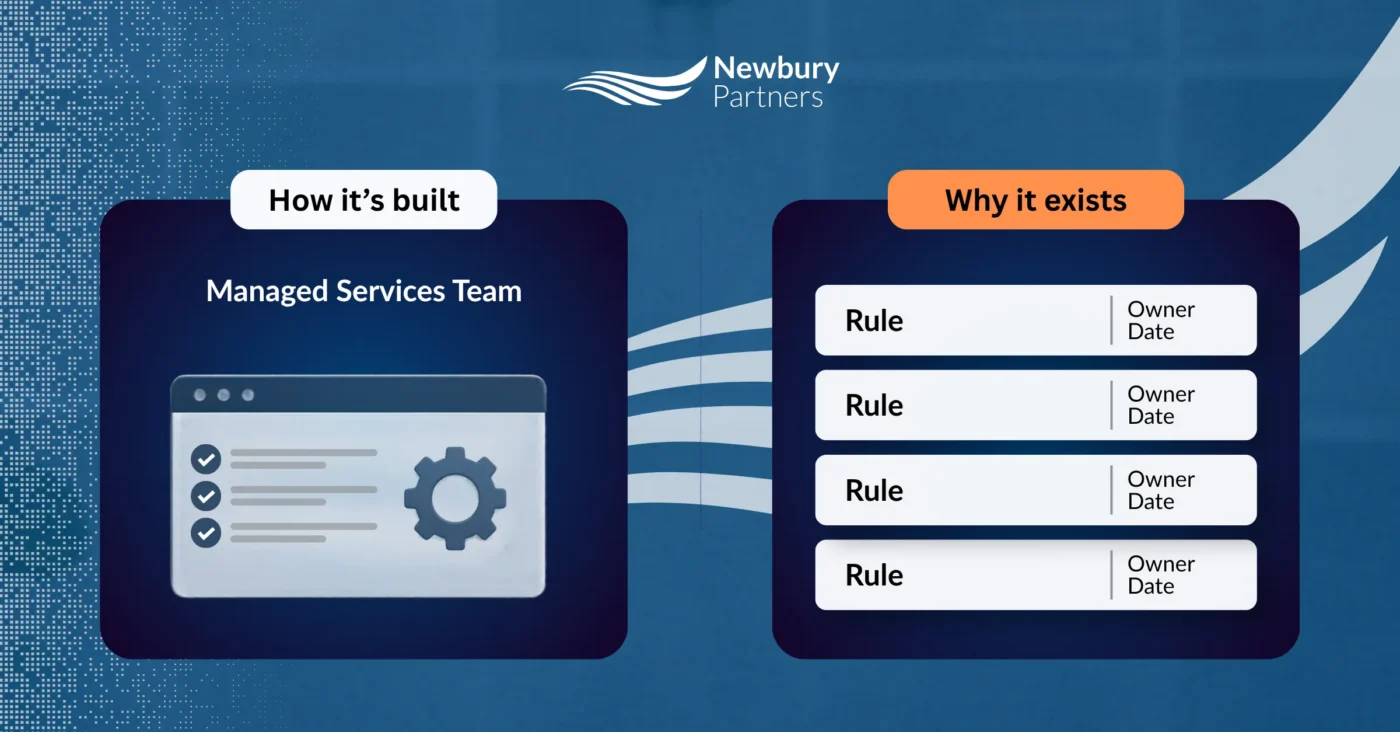
The test works because each row ties a setting to a decision your firm makes. The managed services team holds how the rule is built. Your firm holds why it exists and when it should change.
The rows also interlock. When DHS ended certain automatic work permit extensions, it named the risk that employers “unwittingly continue to employ a worker whose employment authorization is in fact no longer valid.” A reminder built on the old assumption fails quietly, and the retention and audit rows decide whether anyone can show what happened. One weak row weakens the rest.
The play worth adding is a “decided by” line on every compliance change request, naming the person at your firm who approved it. Read those lines at each quarterly review. A log of changes shows activity; a log with names shows ownership.
Take the applicant record retention row and fill in its three cells. Each should hold an answer someone on staff gave unaided. A blank cell is a rule your firm carries without a decision behind it. Stuck on one? Walk through your settings with us.
Three Moments When Internal Knowledge Thins Out After Launch
Internal knowledge thins out at three moments: a rule changes, the person who approved a setting leaves, or a release changes the forms. Each can change what a rule means without anyone touching the configuration; the newest federal example was finalized October 14, 2026. Treat each moment as a trigger for the explain test.
- A rule changes. A DHS interim final rule ended automatic extensions of up to 540 days for certain work permit renewals filed on or after October 30, 2025. The final rule, published October 14, 2026, adopted it without change. Counsel reads the change, and a dated configuration request follows.
- The person who approved a setting leaves. Newbury Partners’ Navigator page names the risk of a single admin and knowledge lost to turnover as exposures a shared team removes. The reason behind each rule still has to live at your firm, so run the test again on every rule that person approved.
- A release changes the forms. When the platform updates Form I-9 to a new USCIS version, check that your steps, reminders and document lists still match. A gap between setup and use is drift after implementation. Compliance settings drift too.
The system can carry the clock: it can send the reverification reminder on time, flag a bias audit before it expires and log every change. What it cannot carry is the judgment about what a rule means. A reminder can fire on time and still apply the wrong rule, so that call stays with a person at your firm.
Work permits that used to extend automatically now lapse when they expire. Ask who decides which reverification reminders change. There should be one name. Without it, the rule reaches your configuration before your team does. Not sure who? Compare notes on your setup.
Three Signals Your Firm Still Owns Its Compliance
Three signals show your firm still owns its compliance: explain coverage, decision trail and retrieval time. Read them each quarter against a count taken now. Federal guidance sets one calibration point: Forms I-9 produced within three business days of an inspection request. For the other two, your own baseline is the benchmark.
Take the first count before the managed services team starts, or this month if it already has. Explain coverage is the rules someone on staff can explain unaided, divided by all rules in your register. Decision trail is compliance changes with a named approver at your firm, divided by all compliance changes that quarter. Retrieval time is the hours your team needs to produce one worker’s Form I-9 and audit trail alone. No public benchmark sets targets for the first two, so set your own line for healthy from that first count.
- Explain coverage high, decision trail thin. Your people understand the rules, but changes land without a named approver; add the “decided by” line to every request.
- Decision trail full, explain coverage low. Approvals happen, but the knowledge sits with one person; pair a second owner with each rule.
- Both healthy, retrieval slow. The knowledge is in place but the records are not at hand; find where the audit trail export lives and who can run it.
- All three holding for two quarters. Your firm owns its compliance. Review the register monthly so it stays current between quarterly reviews.
Frequently Asked Questions
Is the staffing agency or the client responsible for Form I-9?
For workers a staffing agency employs and places, the agency completes Form I-9. USCIS tells client employers they do not complete it for workers of a contractor such as a temporary agency.
Does E-Verify replace Form I-9?
No. USCIS says employers who participate in E-Verify must still complete a Form I-9 for each newly hired employee in the United States. E-Verify checks the information from the form; it does not stand in for it.
Can the company that built our AI hiring tool do the bias audit?
In New York City, the company that makes a tool can have an independent auditor audit it. The firm using the tool still has to confirm an audit was done, and it must notify candidates 10 business days before use.
What does a Bullhorn administrator do?
A Bullhorn administrator maintains the system’s configuration: users, permissions, fields, workflows, automations and integrations. In any setup, the administrator changes settings, and the firm decides what they should be.
What are the options for ongoing ATS administration after launch?
There are three common models: an internal administrator, partner help on call, or a managed services team working on the configuration monthly. Whichever you pick, keep a named owner on your staff for every compliance setting.
The Next Rule Change Will Show Who Owns Your Compliance
The next rule change will show who owns your compliance, and an inspection allows three business days to prove it. Firms that hold up keep a rule register, name an approver on every change and test quarterly. Start with one rule.
Which rules apply, and how your firm reads them, is your call with your counsel. Newbury Partners’ Navigator managed services carry the configuration side: monthly optimization, training, release note reviews and a monthly report, with a QBR and executive review. Navigator sits within Newbury Partners’ wider staffing technology services. If nobody on your team can name who last changed your retention rule, start with a conversation.
References
- “8 CFR 274a.10, Penalties.” Electronic Code of Federal Regulations (US Department of Homeland Security rule). Undated (up to date as of October 21, 2026). Verified live October 26, 2026.
- “Handbook for Employers M-274.” US Citizenship and Immigration Services. Undated. Verified live October 26, 2026.
- “10.0 Retaining Form I-9.” US Citizenship and Immigration Services. Undated. Verified live October 26, 2026.
- “ICE Rewrites the Rules on Form I-9 Violations.” Morgan Lewis. Published April 14, 2026. Verified live November 11, 2026.
- “Staffing Industry Statistics.” American Staffing Association. Undated (page updated August 19, 2026). Verified live October 26, 2026.
- “29 CFR 1602.14, Preservation of records made or kept.” Electronic Code of Federal Regulations (US Equal Employment Opportunity Commission rule). Undated. Verified live October 26, 2026.
- “Civil Rights Council Secures Approval for Regulations to Protect Against Employment Discrimination Related to Artificial Intelligence.” California Civil Rights Department. Published June 30, 2025. Verified live October 26, 2026.
- “Bullhorn Onboarding 365 Release Notes, 2026.3.” Bullhorn Knowledge Base. Published March 2026. Verified live October 26, 2026.
- “8 CFR 274a.2, Verification of identity and employment authorization.” Electronic Code of Federal Regulations (US Department of Homeland Security rule). Undated. Verified live October 26, 2026.
- “Removal of the Automatic Extension of Employment Authorization Documents.” Federal Register, US Department of Homeland Security (interim final rule). Published October 30, 2025. Verified live October 26, 2026.
- “Removal of Automatic Extensions for Certain Employment Authorization Documents.” Federal Register, US Department of Homeland Security (final rule). Published October 14, 2026. Verified live October 26, 2026.
- “Automated Employment Decision Tools: Frequently Asked Questions.” New York City Department of Consumer and Worker Protection. Published June 29, 2023. Verified live October 26, 2026.