
The short answer: Most Amplify skills act on records already in your Bullhorn instance. Your data quality, your ownership assignments and the workflow steps you have defined decide much of what it returns. Bullhorn reports firms running Amplify at 80% faster time-to-hire with zero added headcount. Readiness starts with three checks you can run before changing a setting.
This guide is written for the staffing executive, COO, CFO or recruiting-operations leader, who owns the decision to switch on Bullhorn Amplify inside an existing Bullhorn instance.
Bullhorn reports that firms using Amplify see 80% faster time-to-hire and 23% higher weekly gross profit, with zero added headcount (Bullhorn, Amplify product page). At launch in May 2025, Bullhorn also reported that early Amplify customers saw a 51% increase in submissions to jobs and a 22% increase in fill rates (Bullhorn, launch press release). The question in most executive conversations is no longer whether Amplify works. It is whether it works on this firm’s records.
We have no pattern from our own configuration work cleared for publication yet, and we will not invent one. The mechanism, though, Bullhorn documents. Its knowledge base covers eight Amplify skills: Screen, Enrich, Match, Present, Outreach, Transcribe, Prospect and Verify (Bullhorn Knowledge Base, Amplify Skills). Audit runs separately, as an early access feature in Bullhorn Middle Office (Bullhorn Knowledge Base, Amplify in Middle Office). Most of these skills work from what is already on file.
Readiness is answerable before rollout starts, and this guide covers what each skill reads, which records have to be current, how to assign ownership of agent decisions, and which workflow steps have to already exist. You will finish able to score your own firm against the inputs Amplify depends on.
What Amplify’s Skills Actually Read Out of Your Bullhorn Data
Amplify works from the candidate, job and contact records in your Bullhorn instance. Prompts can also draw on the notes, emails, submissions and placements attached to them, and each skill reads its own set of fields. Prospect reaches outside, pulling open jobs from MarketIQ, SourceBreaker and the web (Bullhorn Knowledge Base, Amplify Prospect).
Amplify Chat can also bring job feeds and web sources into a conversation (Bullhorn Knowledge Base, Bullhorn AI Products). That helps with a question such as whether a bill rate fits the market.
Enrich fills in missing details, and Match ranks your candidates against open jobs. Screen runs chat or voice interviews and writes summaries, and an automation can start it on applicants or on Match’s results. Outreach runs campaigns, but a recruiter enrolls each person and can review every message before it sends. Present builds resumes and cover letters for one candidate at a time, from that candidate’s record and a template (Bullhorn Knowledge Base, Amplify Present).
Transcribe turns calls and meetings into notes and next steps. Verify flags candidates who may be fraudulent (Bullhorn, Engage 2026 press release). Audit runs pass or fail checks on placements and their charges in the middle office (Bullhorn Knowledge Base, Amplify in Middle Office). Neither checks the work of the other skills.
Bullhorn’s founder describes Amplify as decoupling revenue growth from headcount (Bullhorn, launch press release). Our view at Newbury Partners is that the decoupling holds only when the records those digital workers read are worth reading, and getting them there rarely takes a rebuild.
Which Records Have to Be Current Before a Skill Can Act?
Bullhorn’s Amplify Readiness Guide names the fields that matter most. On the job: title, published description and address. On the candidate: position title, address, email, mobile number and the resume field (Bullhorn Knowledge Base, Amplify Readiness Guide). Bullhorn says no firm needs every record perfect before launch. These fields come first.
Match leans on titles, addresses and resume text. Screen needs the published description, plus a current email and mobile number for its invitations. Custom fields used in place of standard ones may not be usable at all, Bullhorn warns.
Candidate records carry the widest gap, including the thousands nobody has touched in months. A record untouched since intake still carries a title, an address and a resume. None of it may be true today. Match ranks that record on what it says. A stale record does not announce itself.
Job detail matters the same way. A requisition entered as a title and a rate, with the real must-haves in an email thread, gives Match half of what it needs. If those must-haves live only in an inbox, no skill can see them. Before switching on Screen, we recommend an automation that builds the published description from the internal description, notes and emails already in Bullhorn.
Placement records matter for a different reason: Audit runs pass or fail checks on them, such as pay sitting below bill rate, so a placement with wrong rates fails rather than slipping through. Match runs on Bullhorn’s Matching Engine, trained on real hiring outcomes such as submission results (Bullhorn Knowledge Base, Amplify Match FAQ). Bullhorn describes no step where one firm’s placement notes retrain it.
Pull your last 20 placements and open the candidate records behind them. Title, address, resume text, email and mobile should be current on nearly all. Where they are not, Match ranked on less than your recruiters knew. Unsure which fields block which skill? Check yours with us
How Do You Decide Who Owns Each Agent Decision?
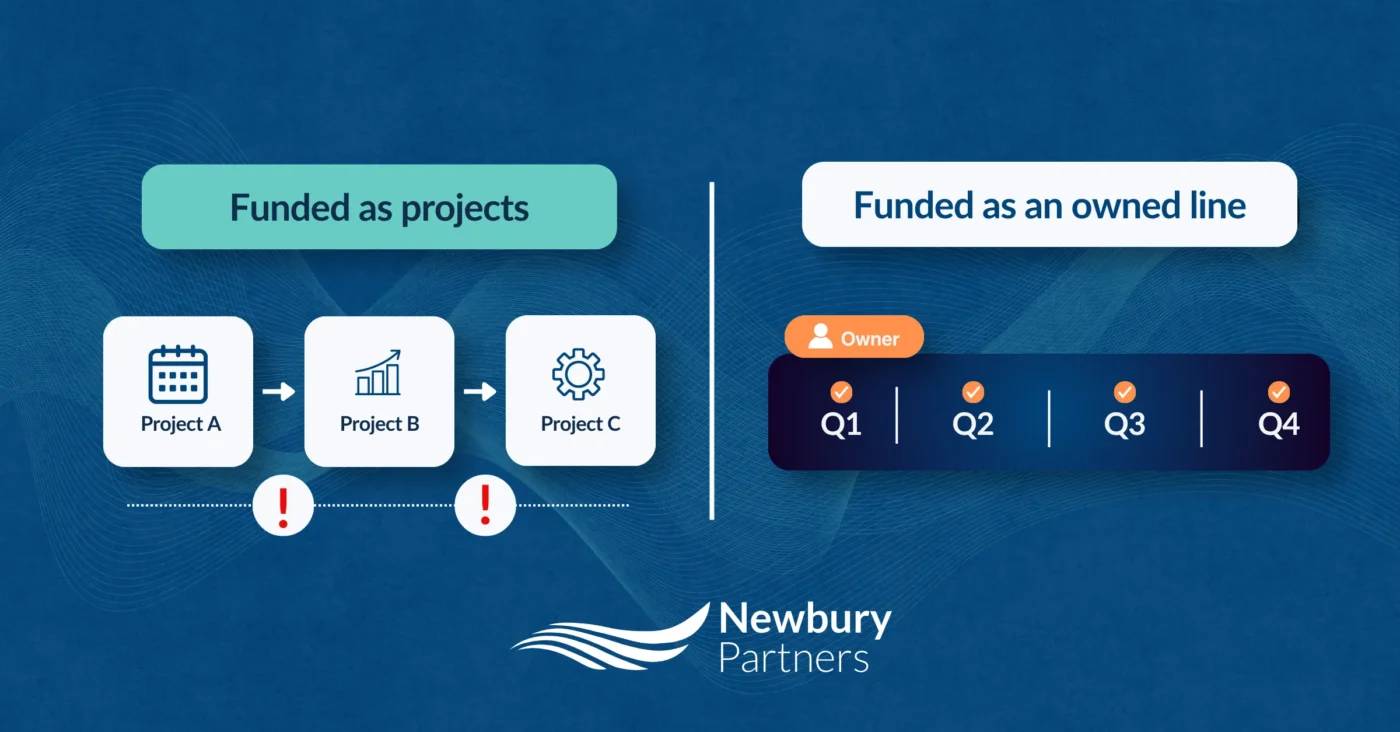
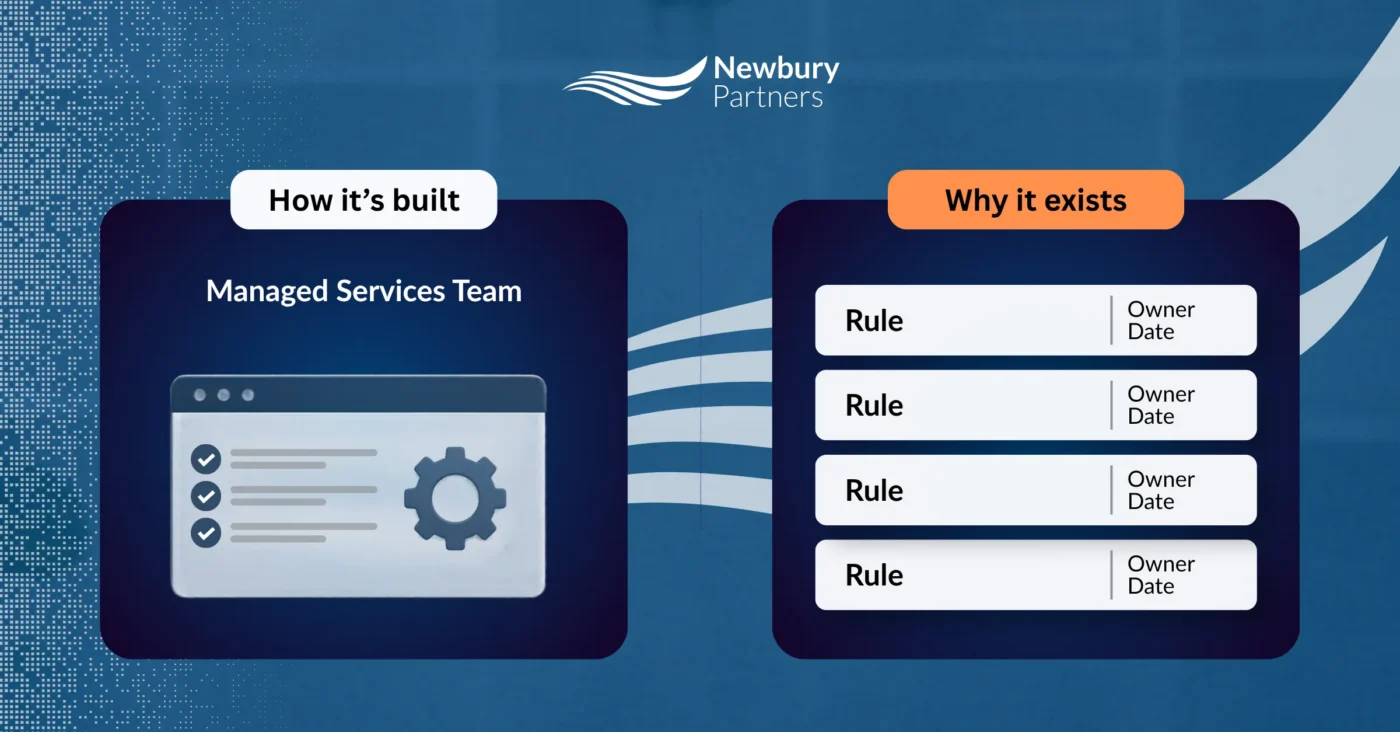
Every agent decision needs one named owner before the skill goes live. Bullhorn’s Readiness Guide treats an in-house Automation SME as essential, because Amplify builds on Bullhorn Automation. That person owns how the steps run. Someone still has to own what each skill’s output may do.
The test is simple. For each skill, name who reviews its output before it reaches a candidate or a client, and where it may run with nobody watching. Some of that is unattended by design: ESNY now has 42% of its candidate screens happening after hours, according to Bullhorn’s Amplify product page. Those screens run without a live reviewer. Someone decides in advance what a screen summary can trigger.
Screen writes the summary. It does not make the final call. In our view, low-risk, high-volume requisitions can let summaries move candidates forward once a recruiter has checked a sample. On a strategic account, a person reads every summary until the firm has evidence to trust it.
Outreach is candidate-facing, but a recruiter enrolls each person and can edit every message, and replies come back to people. The owner is whoever owns the message templates, usually the same person who owns the automation. Leave the templates unowned and the risk moves from a review meeting to a candidate complaint.
Present creates a document on the candidate record, and nothing reaches the client until a recruiter attaches it to an email. The template owner answers for every resume it produces. A Navigator engagement structures this review month to month, and a CFO’s ROI case for it looks different once ownership is assigned. The fastest firms decided, skill by skill, where automation stops.
The Workflow Steps an Agent Has to Be Able to Follow
Amplify skills run as steps inside Bullhorn Automation, so a skill can only follow a workflow that exists as configured steps, not one that lives in a recruiter’s habits. Bullhorn’s Readiness Guide asks firms to have automations running on candidates, jobs, submissions, contacts and placements, and to document their recruiting lifecycle.
At Procom, five new recruiters secured 20 combined placements in their first three months, at 60 to 75% client conversion, according to Bullhorn’s Amplify product page. Bullhorn’s Engage 2026 release adds a 65% rise in Procom’s submission-to-placement rate. Neither source describes Procom’s setup. We claim none of it.
If “qualify a candidate” is a step every recruiter performs slightly differently, the configuration will encode one version of it. Pick that version on purpose, ideally the one your best recruiter uses. The fix is writing down the decision points inside each step before automating it.
Three checks settle whether a step is ready. Is it documented anywhere a person other than the recruiter could follow? Does it have a clear stop condition, where a human decision takes over? Does the outcome land in Bullhorn in a form the next skill can read? A step failing any of these three is not ready yet.
Prestige Staffing used Screen on a large client project. CFO Doug Breunig says calls that would have run 30 to 45 minutes per candidate came down to 5 to 10 minutes, according to Bullhorn’s Amplify product page. Bullhorn gives the time saved, not the reasons. Setup is the part a firm controls, so it is the part worth checking first. That is the post-implementation gap most firms misread, and why readiness work comes before a skill goes live.
Is a step you plan to hand a skill written down anywhere but a recruiter’s head? Pull three and check each for a stop condition and a recorded outcome. Missing either means setup encodes a version nobody chose. Want a second read? Map it with us
How Ready Is Your Firm, Measured in Three Numbers?
Three numbers show whether your firm is ready. None require Amplify to be switched on: record currency, ownership coverage and workflow definition. Pull all three before configuring a single skill, and again at 30, 60 and 90 days once you do.
Record currency is the share of active records whose essential fields were touched or verified in the last 60 days, our benchmark at Newbury Partners rather than a Bullhorn standard. Bullhorn suggests refresh methods: survey writeback, re-parsing resumes, Data Loader and Update Step automations. Six months untouched, in our view, means weaker matches.
Ownership coverage is the share of workflow steps with a named reviewer and a threshold for unattended action, and workflow definition is the share that pass the three readiness checks.
High record currency with low ownership coverage means the data is ready but accountability is not, so assign reviewers first. The reverse means the skills will have little worth acting on, so clean the records first. Low workflow definition alone means the process is the gap. That one closes fastest.
A firm that skips the baseline cannot trace a slow first month to the platform, the configuration or normal ramp. What a QBR reveals is a useful next read once the baseline exists. Talk it through before configuration starts.
Frequently Asked Questions
What is Bullhorn Amplify?
Bullhorn Amplify is Bullhorn’s set of AI skills, including Enrich, Match, Screen, Outreach and Present, that act on the records in a firm’s Bullhorn instance. Bullhorn announced Amplify on May 28, 2025. At Engage Boston on May 28, 2026, it added Amplify Digital Workers, the Prospect, Verify and Transcribe skills, and Audit for the middle office.
What happens if a firm switches on Amplify skills before doing the readiness checks?
The skills still run, with no warning that the records underneath are stale. Some damage is visible: a screening invitation sent to an old email or mobile number never reaches the candidate. Most is not, so the platform gets judged on results it was never set up to deliver.
Why do some firms see faster results from Bullhorn Amplify than others?
Bullhorn’s published results do not break this down. In our view, the inputs a firm controls explain much of the difference: record currency, named decision owners, and whether workflow steps were already defined. The same skills on different data can run on different timelines.
How long does it take to configure Bullhorn Amplify?
Timelines vary by firm. Bullhorn’s Readiness Guide treats live automations, an in-house Automation SME and a documented recruiting lifecycle as preparation to finish first. Firms starting from stale records should expect the readiness work, not the skill activation, to take longest.
Who should own Bullhorn Amplify configuration inside a staffing firm?
Ownership splits by decision, not by title. Bullhorn treats an in-house Automation SME as essential, and Amplify Admins manage skill settings and templates. Beyond them, someone owns data quality, each skill’s review threshold and the workflow documentation.
What Readiness Actually Buys You
Readiness lets a firm trace a slow month to one fixable input. Bullhorn reports placements per recruiter up 39% across early Amplify adopters, even as orders fell 20% and headcount held steady (Bullhorn, Engage 2026 press release). What they had in place first, you can check yourself.
Your Bullhorn instance already holds the answer on each check. Look before you configure, and that look becomes the ongoing management a Navigator engagement keeps current afterward. Talk to Newbury Partners before you switch on the first skill.
References
- “Amplify.” Bullhorn. Published undated. Verified live 2026-11-17.
- “Bullhorn Announces Amplify, Empowering Firms to Scale With AI Without Increasing Headcount.” Bullhorn. Published May 28, 2025. Verified 2026-11-17.
- “Bullhorn unveils Amplify Digital Workers at Engage 2026.” Bullhorn. Published May 28, 2026. Verified live 2026-11-17.
- “Amplify Readiness Guide.” Bullhorn Knowledge Base. Published undated. Verified live 2026-11-17.
- “Bullhorn Amplify Skills.” Bullhorn Knowledge Base. Published undated. Verified 2026-11-16 by the Newbury Partners KB review.
- “Amplify Prospect.” Bullhorn Knowledge Base. Published undated. Verified 2026-11-17.
- “Amplify Present.” Bullhorn Knowledge Base. Published undated. Verified 2026-11-17.
- “Amplify in Middle Office.” Bullhorn Knowledge Base. Published undated. Verified 2026-11-17.
- “Amplify Match FAQ.” Bullhorn Knowledge Base. Published undated. Verified 2026-11-17.
- “Bullhorn AI Products.” Bullhorn Knowledge Base. Published undated. Verified 2026-11-17.